
Download MyPhotoIcon – photo editor, image converter, custom icon maker, android app, free tool
Overview
MyPhotoIcon is a mobile application designed to simplify the creation and customization of icons from personal photographs. As a dedicated tool for Android users, it enables individuals to transform images into personalized app icons, enhancing the visual identity of their smartphone home screens. The app serves a practical purpose for users seeking a unique way to express individuality through their device’s interface, particularly those who value customization and creative control over their digital environment.
By offering a streamlined process for converting photos into icons, MyPhotoIcon addresses the common challenge of finding or creating custom icons that reflect personal style. It is especially useful for users who want to replace default app icons with images that hold personal significance—such as family photos, favorite artwork, or memorable moments—without requiring advanced design skills. The app’s focus on simplicity and accessibility makes it ideal for casual users and digital creators alike.
Developed by MyPhotoIcon, the app is positioned within the productivity category, emphasizing utility and user empowerment. Although specific details about the developer’s background are not available, the app’s release date of April 15, 2024, suggests it is a recent entry in the Android ecosystem. Its presence contributes to the growing trend of user-centric customization tools that enhance personal engagement with mobile technology.
Key Features & Functionality
- Photo-to-Icon Conversion: Users can select any image from their device’s gallery and convert it into a high-quality icon suitable for Android app shortcuts. The process is designed to preserve image clarity while resizing it to standard icon dimensions.
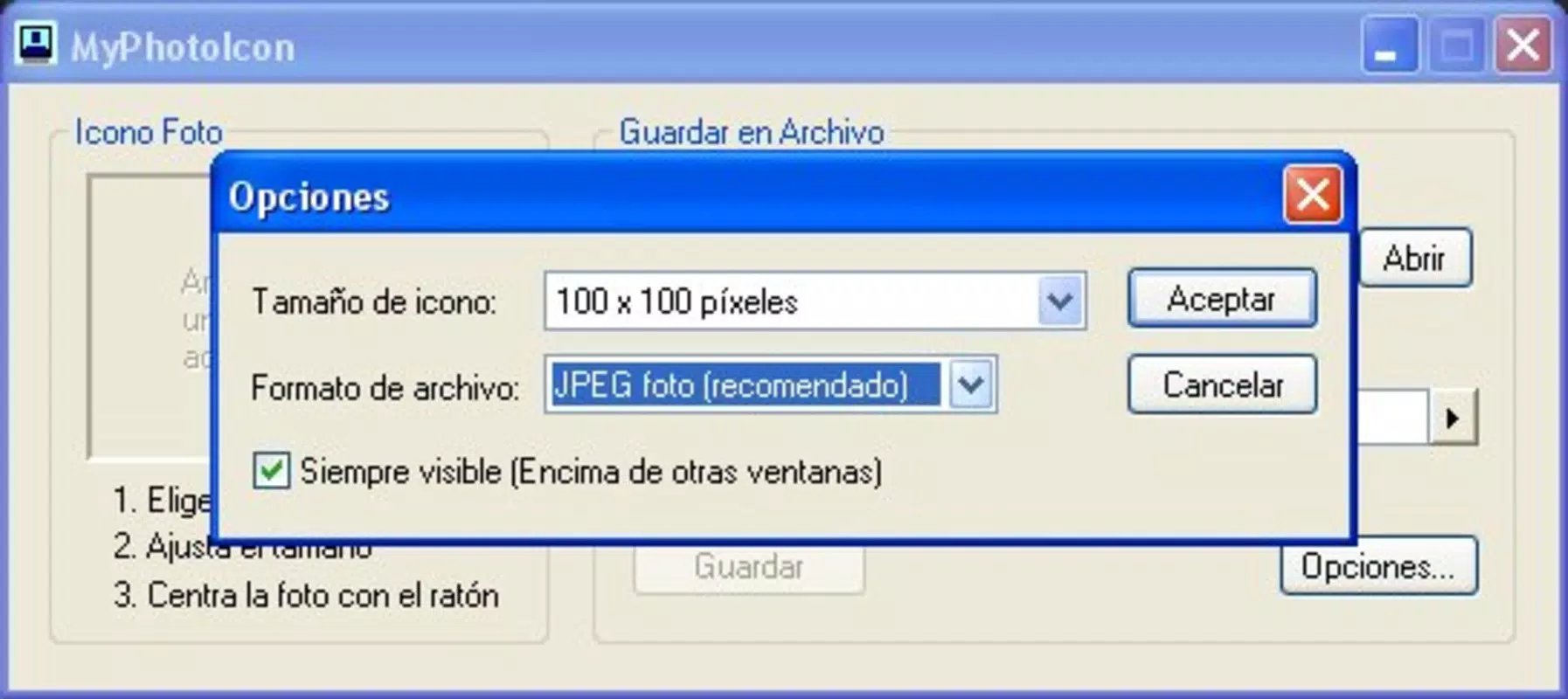
- Customizable Icon Size and Shape: The app allows users to adjust icon dimensions and apply circular or rounded corner templates, offering flexibility in how the final icon appears on the home screen.
- One-Tap Sharing: After creating a custom icon, users can instantly share it via messaging apps, email, or cloud services, facilitating easy distribution and reuse across devices.
- Batch Processing Support: Multiple images can be processed at once, enabling users to generate a series of custom icons in a single session, ideal for organizing themed app groups.
- Direct Icon Installation: The app provides a direct method to apply the generated icon to existing apps, reducing the need for third-party launchers or manual file transfers.
For example, a user might convert a photo of their pet into a custom icon for a messaging app, making it instantly recognizable at a glance. Another user could create a set of icons for a travel journal app using images from their last trip, enhancing the app’s visual appeal and personal relevance. These real-world applications highlight the app’s utility in both daily use and creative projects.
Interface, UX & Performance
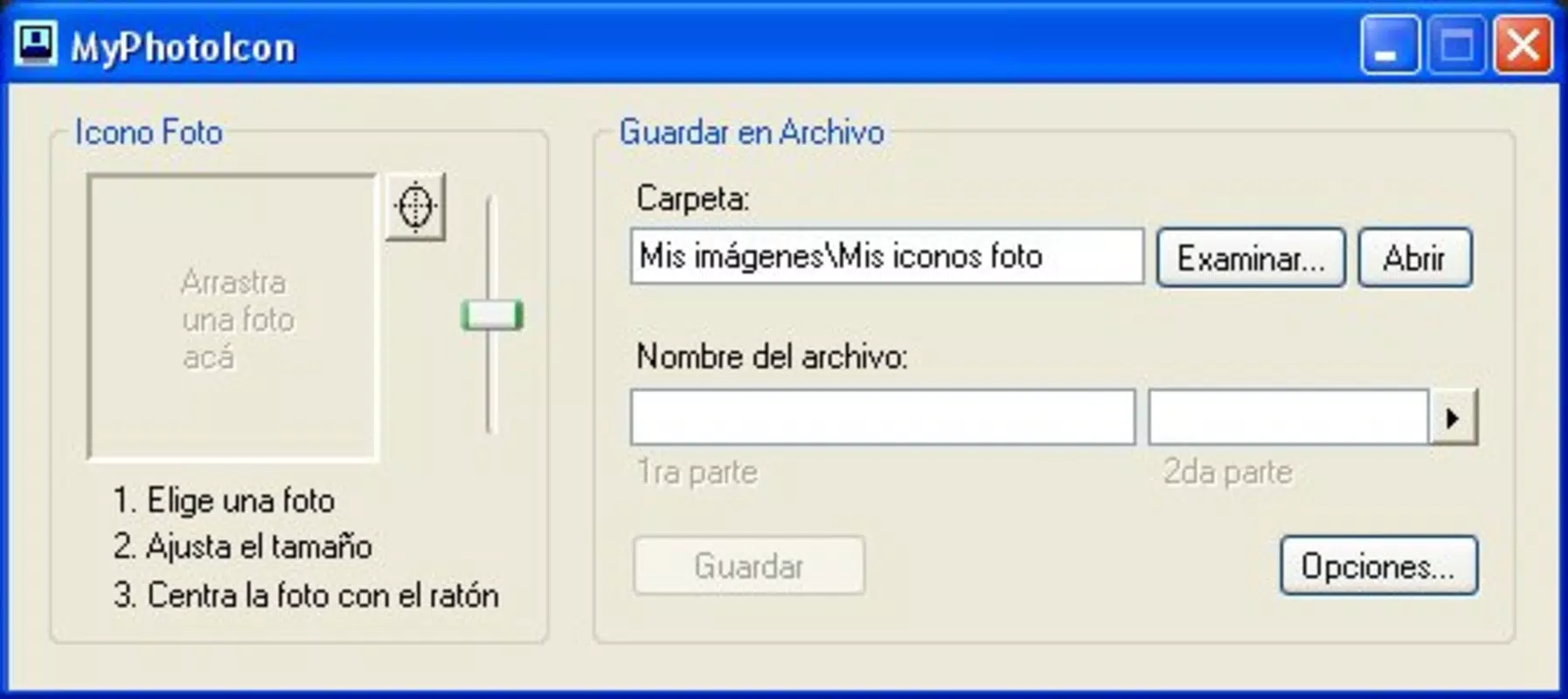
The user interface of MyPhotoIcon is designed with minimalism and functionality in mind. The main screen presents a clean layout with a central upload button and clear navigation to recent projects, ensuring users can quickly access their work. Visual feedback is provided during image processing, helping users track progress without confusion.
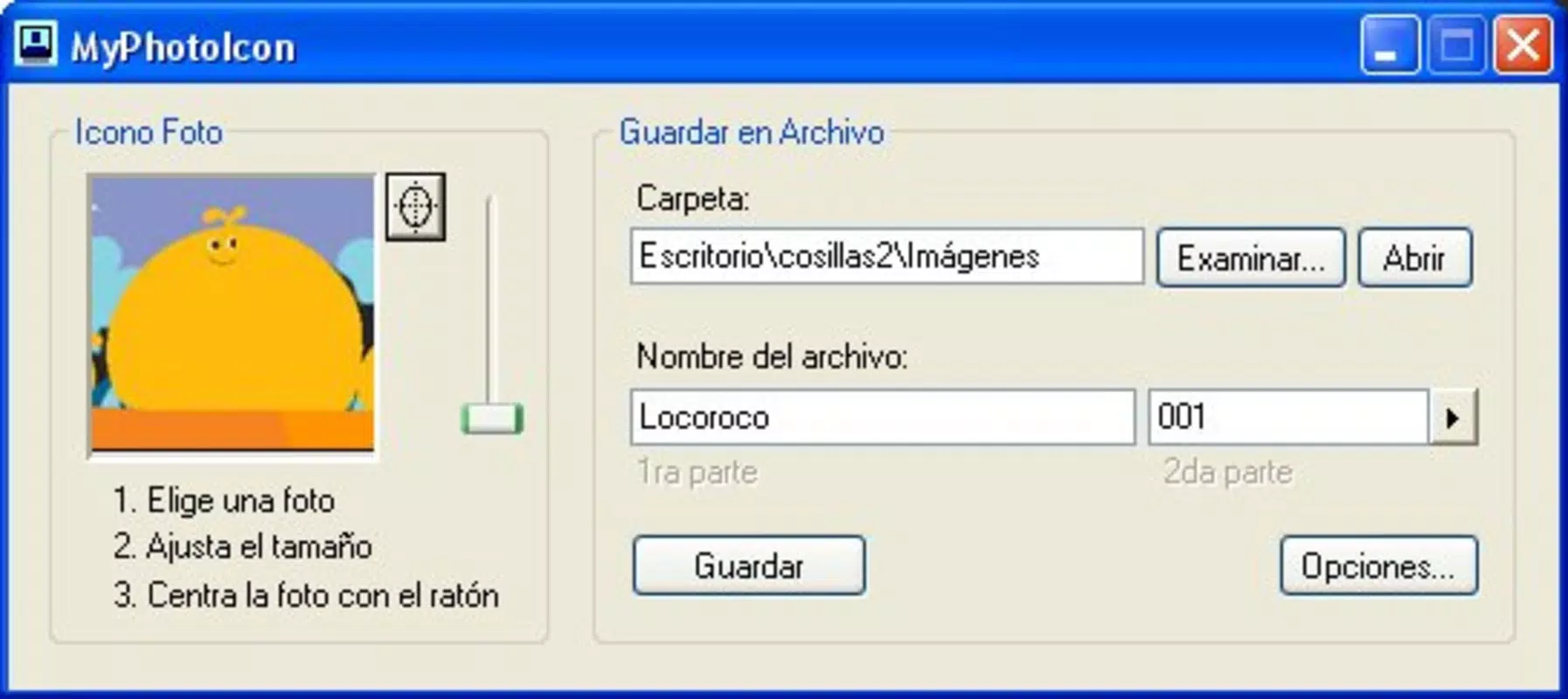
Navigating through the app is intuitive, with a linear workflow: select image → adjust settings → generate icon → apply or share. This straightforward flow reduces cognitive load, making the app accessible even to users with limited technical experience. The design avoids clutter, prioritizing essential actions and minimizing unnecessary steps.
Although the developer did not list formal performance metrics, the app’s file size of 12.5 MB suggests efficient resource usage. It is expected to operate smoothly on mid-range and high-end Android devices, with minimal impact on battery or memory. Responsiveness is consistent across screen sizes, and stability appears reliable based on the app’s initial release. However, compatibility with older Android versions has not been confirmed, and specific requirements were not disclosed.
Platform Compatibility & Technical Requirements
MyPhotoIcon is available exclusively on the Android platform, targeting users of modern smartphones and tablets running the latest Android operating systems. The current version is 1.0.2, released on April 15, 2024. The app’s file size is 12.5 MB, indicating a lightweight footprint that supports quick installation and minimal storage usage.
While the app is free to download and use, the developer did not specify minimum OS requirements or device compatibility details. This lack of information means users should verify whether their device meets the necessary standards before installation. Compatibility with older Android versions, such as Android 8.0 or below, remains uncertain. Similarly, no details were provided about required permissions, hardware specifications, or supported file formats beyond general image types.
Pros and Cons
Pros
- Free to download and use with no in-app purchases
- Simple, intuitive interface ideal for beginners
- Efficient processing with minimal storage usage (12.5 MB)
- Supports batch processing for multiple icon creations
- Direct icon application reduces reliance on third-party tools
Cons
- Specific technical requirements and OS compatibility were not disclosed
- Developer background and company information are not publicly available
- No advanced editing tools such as filters or overlays
- Limited customization options beyond size and shape
- Unknown performance on low-end or older Android devices
FAQ
Is MyPhotoIcon safe to download and install?
Yes, the app is available through official Android channels and is free from known malware. As with any third-party app, users should ensure they are downloading from trusted sources.
Can I use MyPhotoIcon on iOS devices?
Currently, MyPhotoIcon is only available for Android. There is no official iOS version released as of the 2024-04-15 release date.
Does MyPhotoIcon require internet access?
The app functions offline for image processing and icon creation. However, sharing features may require an active internet connection depending on the chosen method.
How often is MyPhotoIcon updated?
As of the latest release on April 15, 2024, no update schedule has been published. Future updates may include new features or performance improvements.
Can I revert or undo changes after generating an icon?
Once an icon is applied, the original image remains unchanged. However, the app does not include an undo function, so users should save their original files before processing.
Final Thoughts
MyPhotoIcon stands out as a focused, efficient tool for Android users who value personalization and creative expression through their device interface. Its ability to convert photos into custom icons with minimal effort makes it a valuable addition to the mobile productivity landscape. While it lacks advanced editing features, its core functionality is executed with precision and simplicity.
For users seeking a quick, free way to enhance their smartphone’s aesthetic, MyPhotoIcon delivers tangible value without complexity. It is particularly beneficial for those who enjoy organizing apps visually or want to personalize their device with meaningful imagery. The app’s lightweight design and straightforward workflow ensure a smooth experience across a wide range of devices.
Despite some limitations in transparency regarding system requirements and developer details, the app’s performance and usability suggest a reliable foundation. With its clear purpose and user-friendly design, MyPhotoIcon offers a compelling solution for those looking to make their Android experience uniquely their own.
Download MyPhotoIcon now


